App screenshots

Track renewals, plan cancellations, and keep proof without linking your bank.

DropSub is built around manual entry, local reminders, app-only cancellation guide support, and records you control. These emulator screenshots show the core workflow users see in the Android app.
Get DropSub on Google Play See supported services
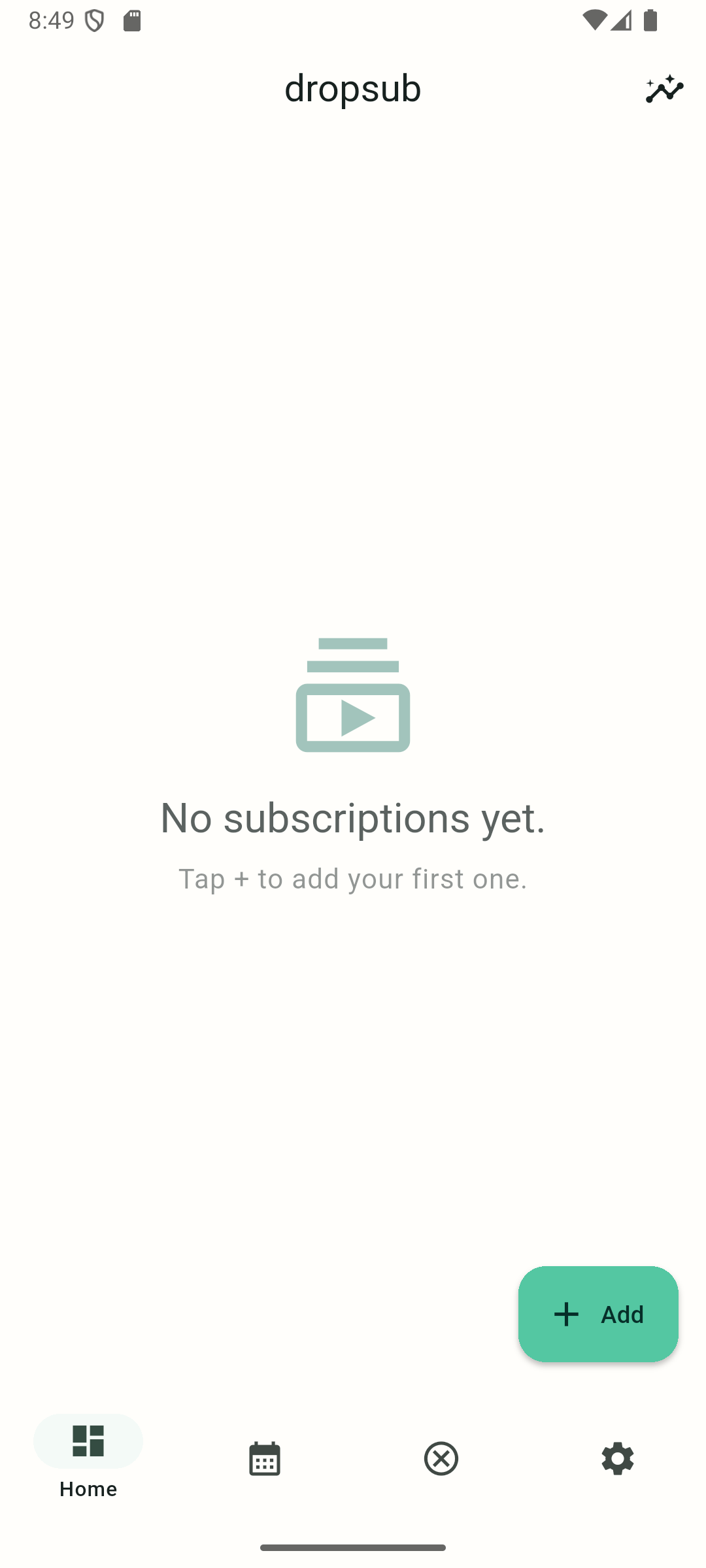
DropSub home screen with empty state and Add button
Home starts simple: add subscriptions manually, then see renewals and totals as your list grows.
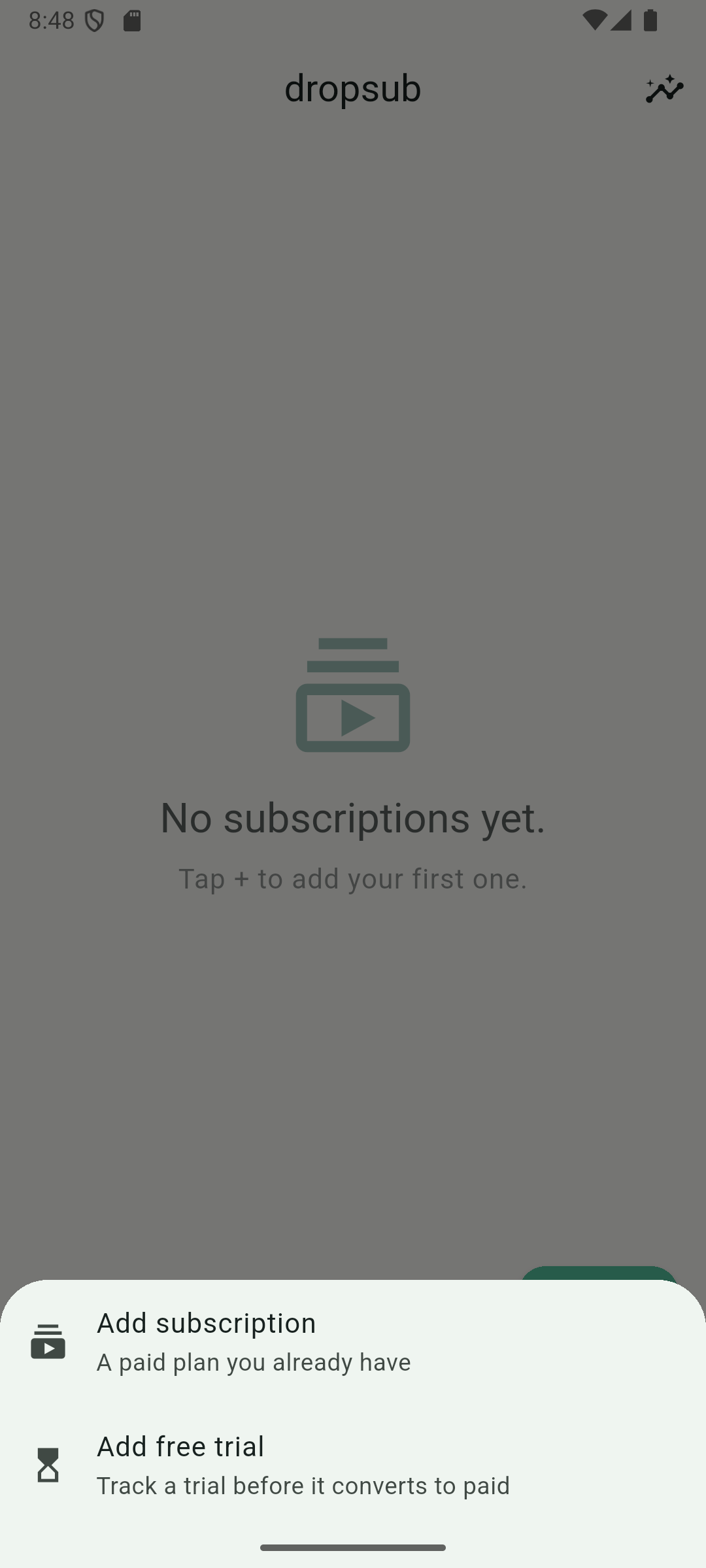
DropSub add menu with subscription and free trial choices
Starter choices let you add a paid plan or track a free trial before it converts.
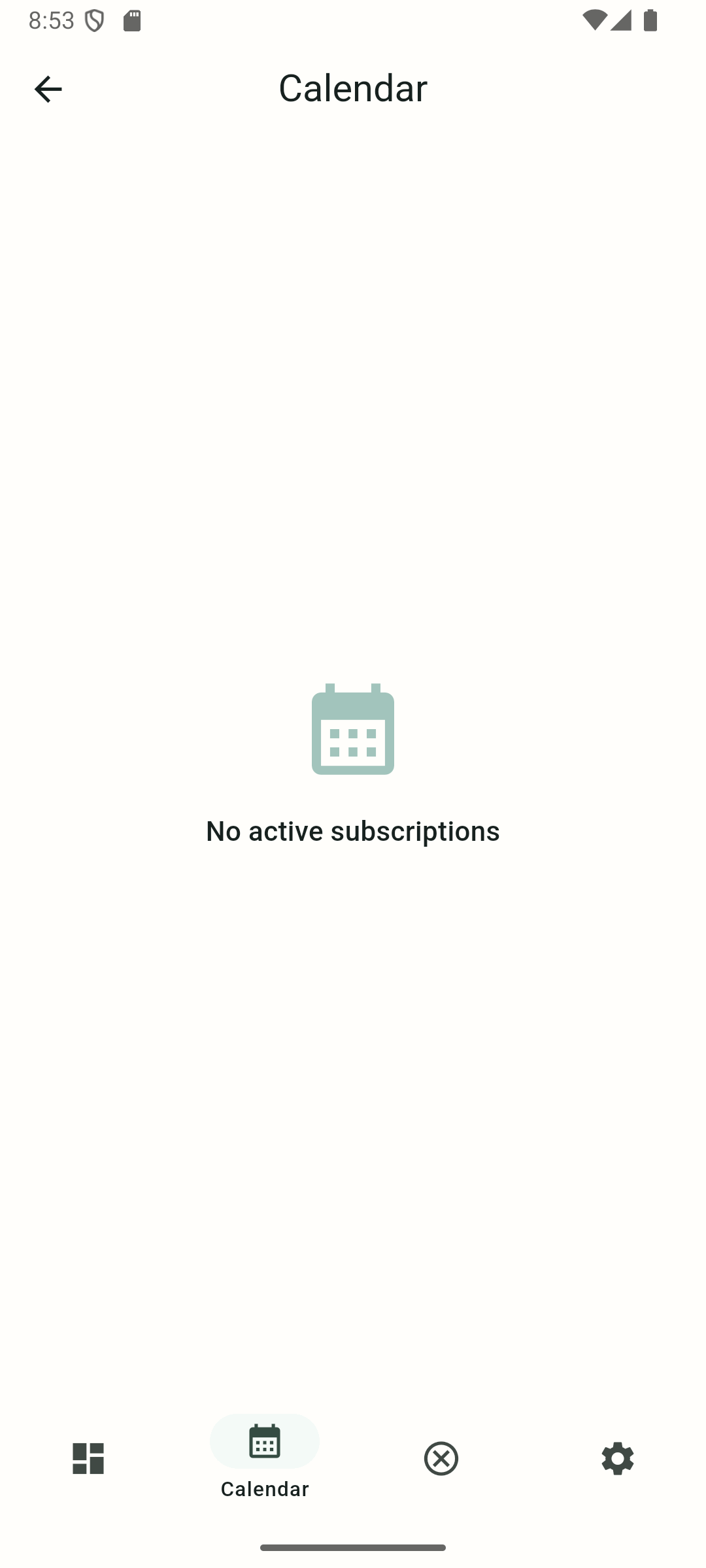
DropSub calendar screen for upcoming renewals
Calendar shows upcoming renewal dates so recurring charges are easier to spot.
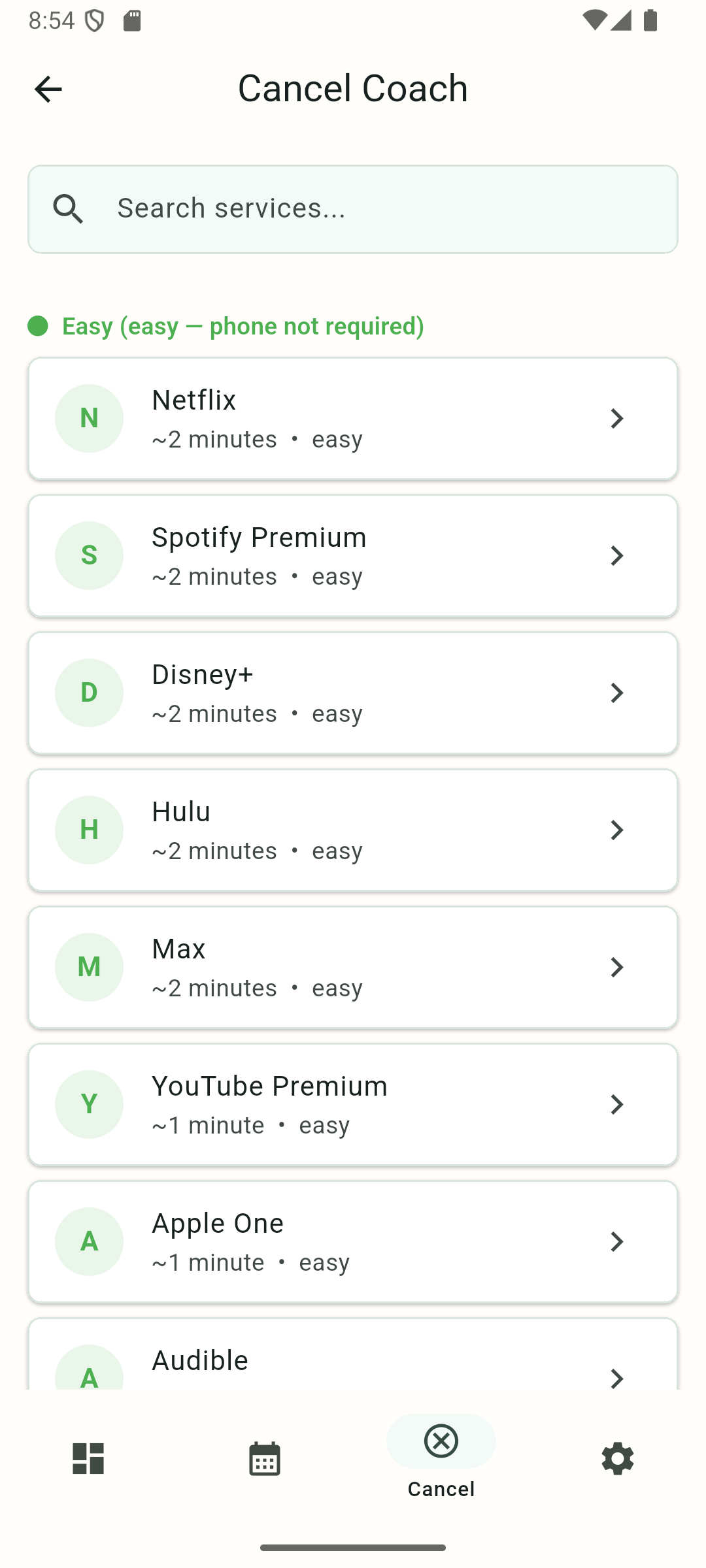
DropSub cancel coach service list with supported services
Cancel Coach lets you browse supported services without exposing private records.
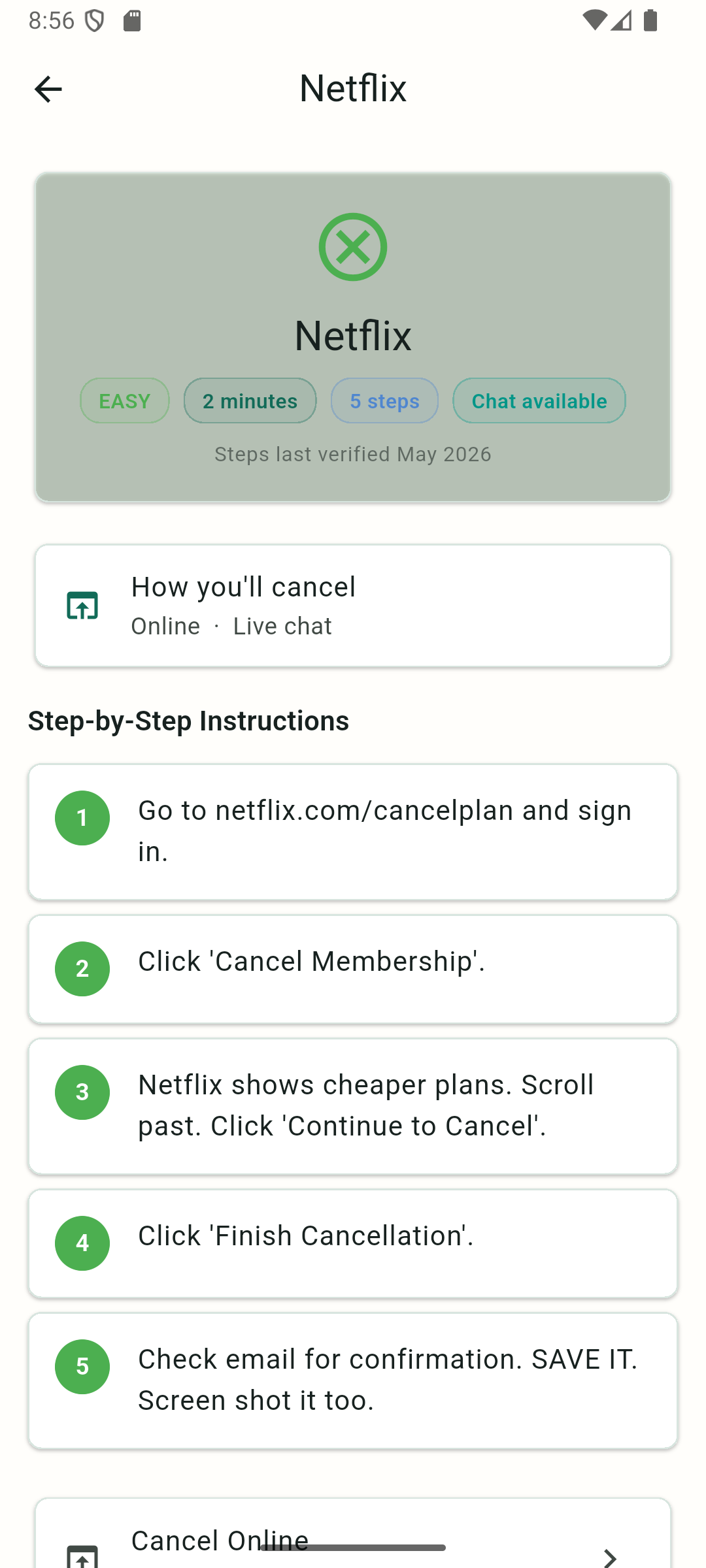
DropSub cancel coach detail screen for a supported service
Guide details stay inside the app, including step counts, difficulty, and retention-response help.
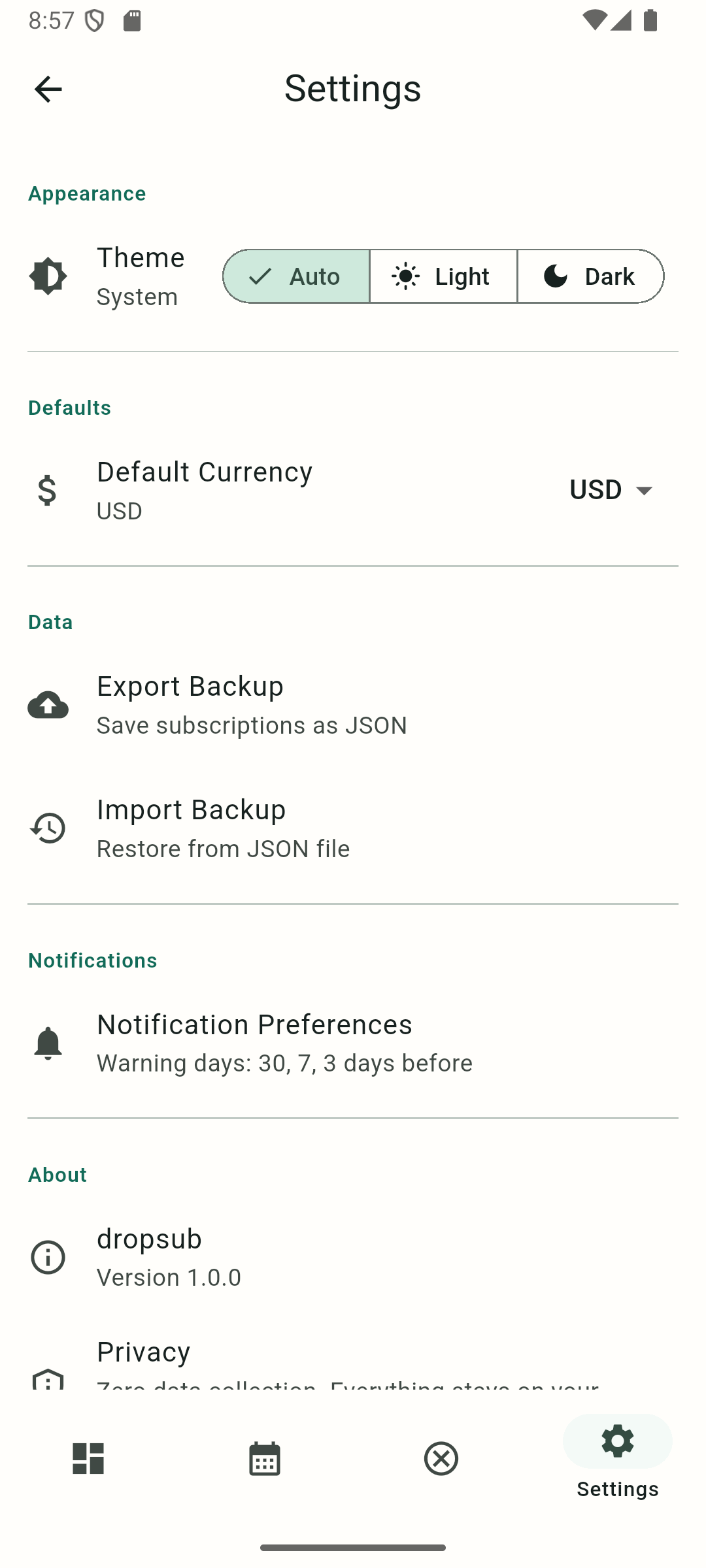
DropSub settings screen with theme, backup, notification, and privacy options
Settings keep privacy, backup, theme, currency, and notification options visible.

The workflow

  1. Add the subscription, trial, cost, currency, and renewal date.
  2. Let DropSub calculate reminders and show upcoming renewals.
  3. Use the cancellation coach when you are ready to stop a service.
  4. Save confirmation numbers, emails, screenshots, or statement checks in the proof log.

What DropSub does not do

DropSub does not link to your bank, scan your email, cancel services on your behalf, or sell itself as another monthly subscription. It is a local-first tracker and cancellation coach with a 7-day free trial, then a one-time unlock.